

The short answer
A commercial kitchen can be monetized four ways: renting kitchen stations by the hour, charging for specialty equipment as an add-on, renting storage slots by the day or month, and renting the dining room for events. Each stream is priced and booked separately, and most kitchens already have all four under one roof.
- Four streams, one building Stations, specialty equipment, storage slots and the dining room are each priced and booked separately.
- Listing is free Food Web charges no listing fee for any stream.
- 12% on completed bookings only An empty calendar costs you nothing.
- Payouts in 48 hours Money lands within 48 hours of a completed booking.
- Storage and dining earn when nobody cooks Storage bills on empty days; the dining room books quiet evenings and weekends.
If you are researching how to monetize a commercial kitchen, this guide covers all four commercial kitchen revenue streams the way Food Web actually prices them — and every number below matches the defaults in our kitchen revenue calculator, so you can open it in another tab and swap in your own rates as you read.
Why do most kitchen owners only monetize one stream?
Ask an owner what their kitchen can earn and they will quote one number: the hourly rate for time on the line. That is the obvious stream — it is what renters ask about first — but it treats the building as a single product when it is really four. The prep tables can host a second business, the 60-quart mixer is a rentable asset, the dry-storage room has empty shelves, and the dining room sits dark five nights a week.
This applies to almost any permitted kitchen: restaurants with dark days, cafés that close mid-afternoon, and community halls, churches and Legion branches whose kitchens run a few events a month. If your space is already a licensed food premises, the hard regulatory work is done. What remains is listing what the building already contains.
There is a demand-side reason this works. In March 2026 the Competition Bureau of Canada identified shared kitchens and food hubs as what lets a food entrepreneur avoid the six-figure build-out cost of constructing their own commercial kitchen. Your building is already past that cost. Theirs is not.
8,800+
Canadian food and beverage processing firms with employees
Competition Bureau Canada, March 2026 — about 92% of them are small businesses.
SourceSix figures
What building a commercial kitchen from scratch costs
Competition Bureau Canada, March 2026, on why shared kitchens and food hubs matter.
Source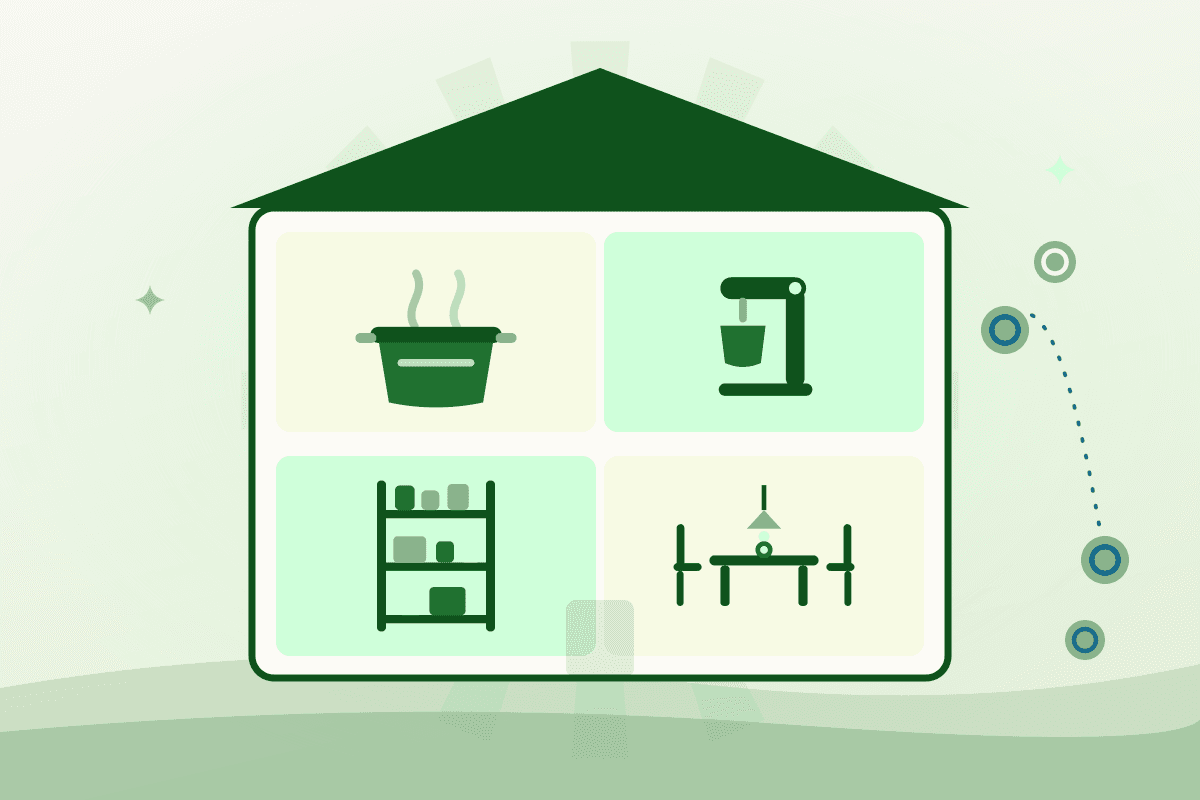
What are the four streams, side by side?
| Stream | What you are selling | How it bills | When it earns |
|---|---|---|---|
| Kitchen stations | One work area a renter books on its own | Hourly, or a flat monthly lease | Whenever you are not cooking |
| Specialty equipment | A named machine, as an add-on to a booking | Hourly, on top of the station rate | Only while someone is in the building |
| Storage slots | A shelf, rack, bin or pallet space | By the day, by the month, or both | Every day, including days nobody cooks |
| Dining room | The front of house, with a minimum booking length | Hourly, above a minimum | Quiet evenings and weekends |
Stream 1: Renting kitchen stations by the hour
A station is one work area a renter can book on its own: the hot line, a bake bench, a prep table. You set one hourly rate, and it covers every station in your listing. Because a renter books a station rather than the whole kitchen, two or three businesses can work side by side — and if you want to rent out a commercial kitchen without giving up your own prime hours, stations are how you slice it.
There are two ways to sell the same station. Rent it by the hour to rotating renters — bakers at 5am, caterers at noon, a sauce maker on Sunday — or lease it full-time to a single tenant at a flat monthly rate when you would rather have one reliable cheque than a busy calendar. Commissary kitchen revenue has always leaned on monthly tenants, and the lease keeps that model; hourly stations let you layer rotating renters on top. You can also require a paid orientation on a renter’s first visit, so the walkthrough of your equipment, storage and cleaning standards is billed time rather than a favour.
Stream 2: Charging for specialty equipment
Specialty gear — a 60-quart mixer, a tilt skillet, a smoker, a chocolate tempering machine — is priced as an hourly add-on to a kitchen booking, not as a standalone rental. Someone is always in the building while your machine runs. Renters who need the gear pay for it; renters who don’t, don’t.
The add-on does two jobs. It turns kitchen equipment rental income into a recovery line for the wear, power and maintenance on your most expensive assets. And it makes yours the only kitchen in town that can do certain jobs — the renter who needs a tempering machine is not comparing you on hourly rate, because nobody else has one.
Stream 3: Renting storage slots by the day or the month
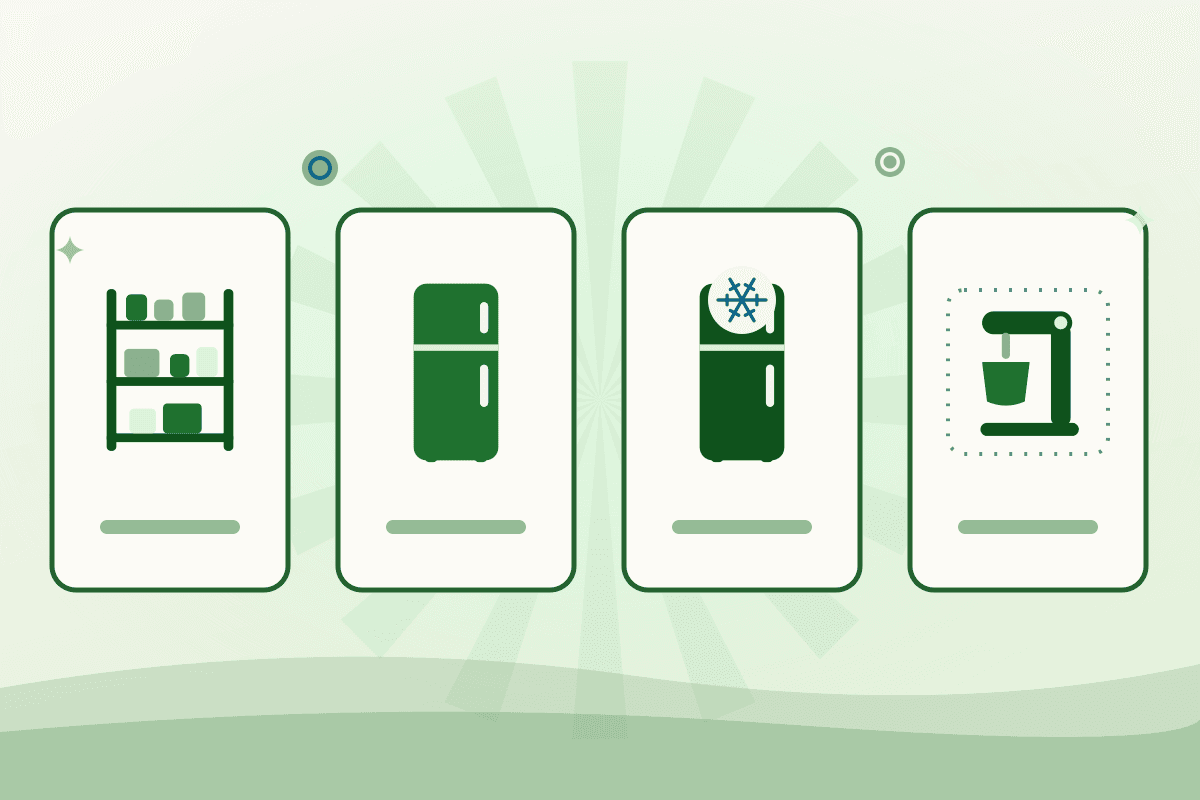
Storage is sold in slots. A slot is whatever unit you want to rent: a labelled shelf, a wire rack, a cooler bin, a pallet space. You publish how many slots exist and their dimensions, so renters know exactly what they are booking, and slots are billed by the day, by the month, or both. Commercial kitchen storage rental splits into four sub-types, each priced separately.
Dry storage
Shelving for flour, sugar, packaging and sealed dry goods. It is the easiest slot to create — most kitchens can free up a rack this week — and it is the first thing a growing food business runs out of at home.
Refrigerated storage
Walk-in or reach-in cooler space, rented as bins or shelf sections. Cold space is scarce everywhere, and a renter who preps in your kitchen almost always needs somewhere cold to leave ingredients between sessions.
Freezer storage
Bins or shelves held below freezing. Frozen inventory moves rarely, so freezer slots are the stickiest of the four — once a renter’s stock is in, it tends to stay for months.
Equipment storage
A parked rack, cart or mixer between visits. This is gear stored, not gear used — the machine sits in a slot, unplugged, which is what separates it from stream 2’s hourly add-on. Renters would rather pay you than haul a proofing cabinet home.
Storage is the quietest money in the building. There is no scheduling, no supervision and no turnover between renters — and it earns on days nobody cooks. It also compounds the other streams: renters who store on site rebook kitchen time more often, because their ingredients and gear are already in your building.
Stream 4: Renting the dining room
The dining room rents by the hour, with a minimum booking length you set — three hours is common, so nobody books forty-five minutes of a room that takes an hour to reset. It is booked by supper clubs, pop-ups, tastings, cooking classes and private dinners, usually on the evenings and weekends the kitchen side is quiet.
Dining room rental income depends on clear house rules, and the listing carries them: you note whether your staff are present during events and how alcohol is handled, so every booking arrives already knowing the terms.
What do all four streams add up to?
Here is the default scenario from our revenue calculator — one modest kitchen with all four streams switched on. Monthly figures use average months (4.33 weeks, 30.4 days), and the bottom line is net of the 12% platform fee, which applies only to completed bookings (see pricing).
| Stream | Scenario | Monthly revenue |
|---|---|---|
| Kitchen stations | 1 station at $25/hour, booked 20 hours a week | $2,165 |
| Specialty equipment | $8/hour add-on on 50% of booked hours | $346 |
| Storage slots | 20 slots at $4/day | $2,432 |
| Dining room | $30/hour for 8 hours a week | $1,039 |
| Gross | All four streams | $5,983 |
| You keep, after the 12% fee | $5,265 |
That is $63,176 a year from a building that, on the single-stream model, would have grossed $2,165 a month for kitchen time alone. Open the revenue calculator and change any assumption — your hourly rate, your slot count, your dining minimum — and it re-prices all four streams as you type.
How do other shared kitchens bill for the same hours?
Four streams is a question about what you sell. How you bill for them is a separate decision, and it is the one owners most often copy from the nearest competitor without checking whether it fits.
There is no Canadian survey of shared-kitchen billing. There is a United States one: The Food Corridor's Shared Kitchen Toolkit describes six recurring models — hourly, prepaid monthly membership, monthly billing in arrears, pay-as-you-go, an all-access flat rate and a long-term exclusive lease. Among those US operators, 54% sell prepaid monthly plans with no rollover of unused hours, about 35% bill monthly in arrears, 39% keep a pay-as-you-go option for irregular or seasonal renters, 62% discount by volume and 28% price peak and off-peak hours differently. Read that as a menu, not a benchmark — the percentages are American and nothing comparable exists for Canada.
- Add-ons are normal. The same US toolkit lists eight standard extras alongside the hourly rate: application, security deposit, cancellation (typically on 24 to 48 hours' notice), overage, cleaning, kitchen training, special equipment rental and waste disposal.
- Do not win on price. Cheap rates, it warns, invite perceptions of lower quality, cash-flow problems and deferred maintenance. The cheapest kitchen in a region ends up with the renters nobody else wanted.
Which stream should you turn on first?
Start with kitchen time if that is all you are ready for — it is the stream renters search for, and it forces you to sort out scheduling, access and cleaning standards. Storage is usually the easiest second stream: it needs no scheduling and no supervision, and a rack you clear this week can be earning next week. Equipment and the dining room can wait until bookings are flowing. Nothing about the order is permanent — streams can be added later without relisting, so a kitchen that starts as hours-only can become a four-stream listing one piece at a time.
How to turn on a second stream this month
Step 1: Audit the building, not the calendar
Walk the space once with the four streams in mind: which work areas a second business could use, which machine is genuinely rare, how many shelves and bins are free, and whether the front of house resets easily.
One hour
Step 2: Define your slots before you price them
A slot only works if a renter knows what they are buying. Count the shelves, racks, bins and pallet spaces, measure them, and publish the dimensions with the count.
Step 3: Price the stations, then the add-ons
Stations carry a single hourly rate across the listing. Specialty equipment is priced per hour on top; the dining room gets its own rate and a minimum booking length.
Step 4: Carve out your own use, then publish
Block your own production, prep and service first — only the leftover hours ever become visible. Streams are independent, so switch on the others as bookings settle.
Total time: One evening to set up
What these numbers do not include
Everything above is revenue, not profit. Your own costs — utilities, cleaning, insurance and the time you spend hosting renters — come out of your side of the ledger. Two things are deliberately excluded from the revenue picture: security deposits, which are held separately and returned to renters, so they never count as revenue; and your own use of the kitchen, which you carve out before publishing bookable hours.
Frequently asked questions
- Can I start with just one revenue stream?
- Yes. Most kitchens list hourly kitchen time first and add streams as they get comfortable. Each stream is switched on independently, and adding one later does not require relisting — your existing listing simply grows.
- What exactly am I selling when I list a storage slot?
- A slot is a unit you define: one labelled shelf, one wire rack, one cooler bin, one pallet space. You publish the count and dimensions so renters know precisely what they are booking, and you can price each of the four storage types — dry, refrigerated, freezer and equipment — separately, by the day or by the month.
- Can renters book my equipment without booking kitchen time?
- No. Specialty equipment is priced as an hourly add-on to a kitchen booking, so someone is always in the building while the machine runs. If a renter wants to leave gear at your kitchen rather than use it, that is equipment storage — a parked slot billed by the day or month.
- When do I get paid, and what does Food Web charge?
- Payouts arrive within 48 hours of a completed booking. Food Web charges no listing fee; a 12% platform fee is deducted from completed bookings only, so an empty calendar costs you nothing.
- Should I bill hourly or sell a monthly membership?
- Both work, and many kitchens run them side by side. There is no Canadian survey to settle it, but among United States shared-kitchen operators surveyed by The Food Corridor, 54% sell prepaid monthly plans with no rollover, about 35% bill monthly in arrears and 39% keep a pay-as-you-go option for irregular renters. Treat those as a menu of options rather than a benchmark.
- How is this different from your step-by-step setup guide?
- This post is about which streams exist and what each one earns. The companion guide, How to Rent Out Your Commercial Kitchen, is the operational runbook — permits, lease permission, renter selection, insurance, orientation and cleaning standards — for once you have decided to rent.
How to monetize a commercial kitchen, starting this week
Every kitchen weights the four streams differently — a café might live off stations and dry storage, a Legion hall off its dining room. Run your own numbers in the revenue calculator to see what your mix is worth, then list your kitchen when you are ready. Creating a kitchen account takes a few minutes, listing is free, and you can start with a single stream today.
Decided which streams to turn on? How to Rent Out Your Commercial Kitchen is the step-by-step setup guide — permits, renter selection, pricing, insurance, orientation and cleaning standards. More guides for owners are in the for kitchen owners hub.
Sources
- A recipe for competition — Competition Bureau Canada, Mar 19, 2026
- Shared Kitchen Toolkit: Pricing Models (United States) — The Food Corridor
- Shared Kitchen Toolkit: Industry Overview and Models (United States) — The Food Corridor

Written by
Anna Purna
AI-assisted research and city guides, reviewed by the Food Web team
AI-assisted author, reviewed by the Food Web team.
Anna Purna is Food Web's AI writing assistant — an avatar named after Annapurna, the Hindu goddess of food, agriculture, and nourishment. The name is about abundance, not a person on staff. She drafts research-backed guides; a human editor reviews them before they go live.
Next step
Turn your quiet hours into bookings
List a commercial kitchen and let vetted food entrepreneurs rent the time you are not using. Listing is free; you set the rate and the hours.
No listing fees · 12% on completed bookings · Refunds inside the notice window